
How to Build LinkedIn Carousels with Claude Code
How to Build LinkedIn Carousels with Claude Code
Beginner
Cold email remains one of the highest-ROI channels in B2B marketing — but only if you can cut through the noise. The average decision-maker receives 120+ emails per day, and generic blasts get ignored. The companies winning at cold outreach in 2024 aren't sending more emails; they're using AI to send smarter emails. They personalize the first line to every recipient, A/B test subject lines algorithmically, and automate multi-touch follow-up sequences that feel handwritten.
This playbook gives you the exact system to build enriched lead lists with Clay, write high-converting copy with Lavender, and send at scale through Instantly or Smartlead — all while maintaining deliverability and tracking what matters. If you follow every step, you can go from zero to a fully operational AI-powered outreach engine in under a week, targeting thousands of prospects with emails that feel like they were written one at a time.
Before you write a single word of copy, you need a razor-sharp lead list. This is where most outreach campaigns fail — they spray generic emails at loosely-qualified contacts. Instead, use Clay (https://www.clay.com) to build signal-rich lists that go far beyond name and email. Clay connects to 75+ data providers and lets you enrich every record with firmographic data, recent funding rounds, tech stack information, job changes, LinkedIn activity, and more. Start by defining your Ideal Customer Profile (ICP) with specifics: industry, company size (e.g., 50-500 employees), tech they use (e.g., companies running HubSpot), and a triggering event (e.g., recently hired a VP of Marketing).
In Clay, create a table and pull leads from sources like LinkedIn Sales Navigator, Apollo, or even a CSV import. Then add enrichment columns: use Clay's waterfall enrichment to find verified emails (it checks multiple providers to maximize hit rates, often reaching 80%+ email find rates versus 40-50% from a single provider). Add columns for company description, recent news, and the prospect's latest LinkedIn post. This enrichment data becomes the fuel for AI personalization in later steps. Aim for a minimum of 500-1,000 enriched contacts per campaign to generate statistically meaningful results.
Pro Tip: In Clay, use the "AI Formula" column to automatically summarize each company's description into a single sentence. This saves hours and gives your AI email writer clean context to work with later. Example Clay AI prompt: "Summarize what this company does in one sentence based on their description, focusing on who they serve and their primary value proposition."
The first line of your cold email determines whether the rest gets read. Generic openers like "I hope this finds you well" signal mass outreach and tank reply rates. Instead, use the enrichment data from Clay to generate personalized openers for every single prospect using AI. Inside Clay, add a new column with a GPT-4-powered formula that takes the prospect's name, company summary, recent news, or LinkedIn activity as inputs and outputs a custom first line.
Here are three proven AI prompt templates you can paste directly into Clay's AI column:
Common Mistake: Don't let AI write openers that sound like AI. Review a random sample of 50 openers before sending. Delete any that start with "I was impressed by" or "I couldn't help but notice" — these are AI clichés that prospects recognize instantly. Rewrite your prompt until the outputs sound like something a sharp colleague would say over Slack.
With your personalized openers ready, it's time to craft the body of your emails and your full follow-up sequence. Lavender (https://www.lavender.ai) is purpose-built for this. Unlike general-purpose AI writers, Lavender scores your email in real time on factors that directly correlate with reply rates: reading level (aim for grade 5 or below), word count (keep initial emails under 75 words), question count (one clear CTA question, not three), and personalization depth. It also analyzes your prospect's personality type based on their online presence and adjusts tone recommendations.
Write a core email template with three components: the personalized opener (from Step 2, inserted as a merge tag), a 2-sentence value proposition tied to the prospect's likely pain point, and a single low-friction call to action. Then build a 3-4 email sequence. Email 1 is the intro. Email 2 (sent 3 days later) adds a new angle or case study. Email 3 (sent 5 days later) provides social proof or a relevant data point. Email 4 (sent 7 days later) is a short breakup email. Paste each draft into Lavender and refine until every email scores 90+ on their scoring system.
Pro Tip: Lavender's data shows emails written at a 3rd-5th grade reading level get 50%+ more replies than emails at a college reading level. Use Lavender's readability score ruthlessly. If it says your sentence is too complex, simplify it. Cold email is not the place to showcase vocabulary — it's the place to get a reply.
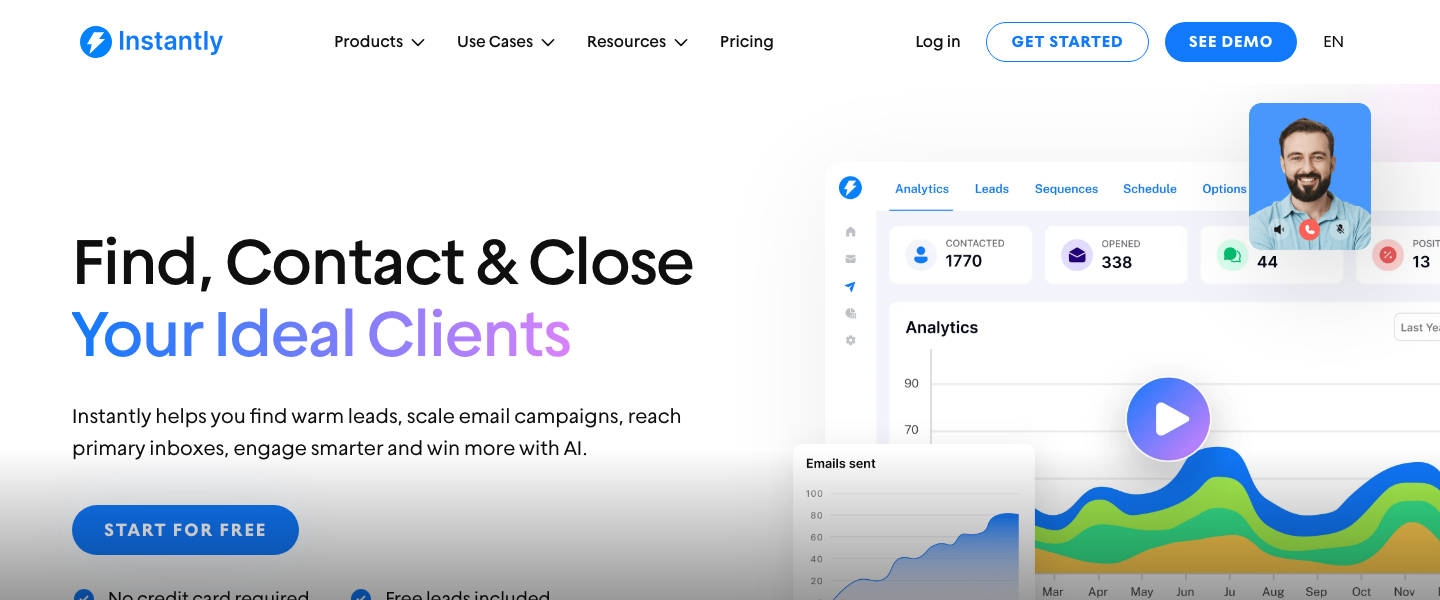
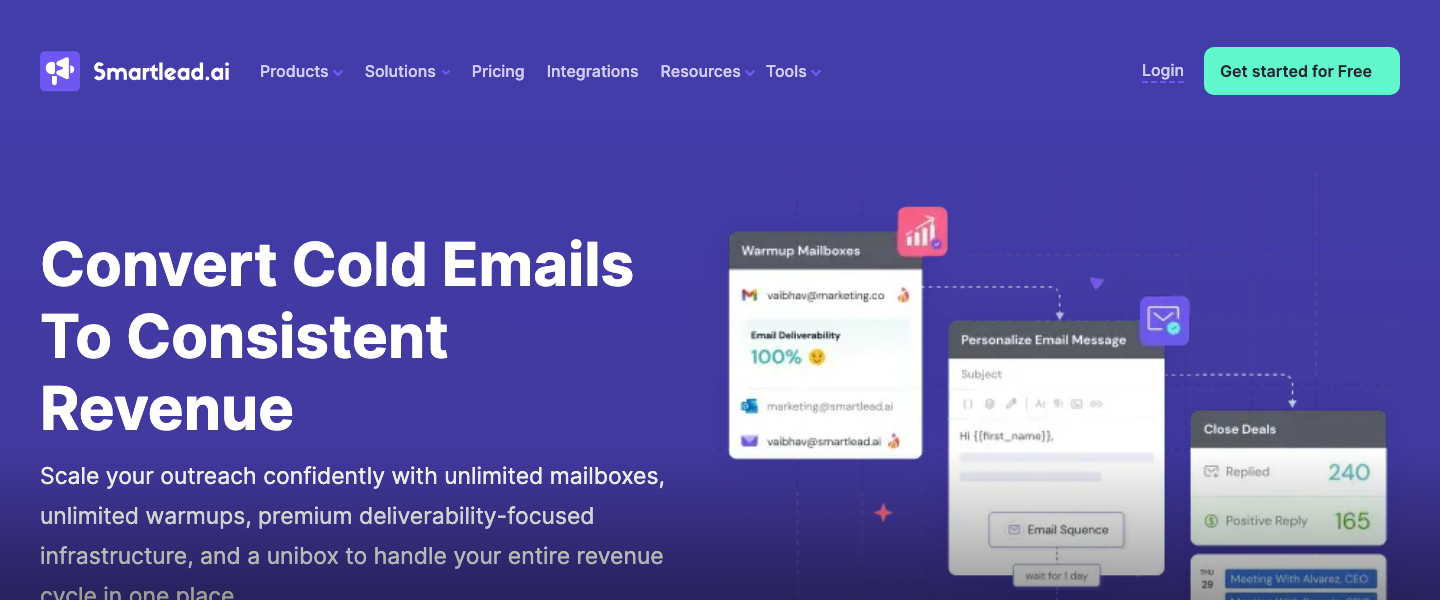
Sending 1,000+ cold emails from your primary domain is a fast way to destroy your sender reputation. Both Instantly (https://instantly.ai) and Smartlead (https://www.smartlead.ai) solve this by letting you connect multiple sending accounts and rotate between them automatically. The standard practice is to set up 3-5 secondary domains (e.g., if your main domain is acme.com, buy acmeHQ.com, getacme.com, etc.) and create 2-3 Google Workspace or Outlook accounts on each. This gives you 6-15 sending accounts that each send only 30-40 emails per day, staying well under spam thresholds.
Both Instantly and Smartlead include automated warm-up features that gradually ramp sending volume and generate positive engagement signals. Enable warm-up for at least 14 days before launching your first campaign. Instantly is ideal if you want a clean, intuitive UI and built-in analytics. Smartlead is the better choice if you need advanced features like multi-channel outreach (email + LinkedIn + SMS in one sequence) or more granular API control. Whichever you choose, configure SPF, DKIM, and DMARC records for every sending domain — this is non-negotiable for deliverability.
Common Mistake: Don't skip the warm-up period. Sending 500 emails from a brand-new domain on day one will land you in spam folders immediately. Both Instantly and Smartlead have warm-up tools — use them for a minimum of 2 weeks. Patience here directly determines your inbox placement rate.
AI gives you the ability to generate and test far more variants than a human team could write manually. Create at least 3-5 subject line variants for every campaign. Use a direct prompt in your AI tool of choice: "Generate 5 cold email subject lines for {job_title} at {company_size} companies in {industry}. The email is about {value_prop}. Make each under 6 words. Vary between curiosity-driven, benefit-driven, and question-based formats." Then load these variants into Instantly or Smartlead's built-in A/B testing feature, which automatically splits traffic and tracks open rates per variant.
Don't stop at subject lines. Test two versions of your email body as well — try a version that leads with a pain point versus one that leads with a result. Run each test with a minimum of 200 sends per variant before drawing conclusions. A statistically meaningful difference requires volume. Track open rates (target: 55%+), reply rates (target: 5-12% for cold outreach), and positive reply rates specifically. An email with a 15% reply rate where 80% of replies are "unsubscribe me" is not a winning email.
Pro Tip: Subject lines with 1-4 words consistently outperform longer ones in cold email. Test ultra-short lines like "quick question" or "{first_name}, one idea" against more descriptive ones. Instantly's analytics dashboard makes it easy to see which variant wins within 48 hours of launch.
The money in cold email is in the follow-ups. Data consistently shows that 55-60% of positive replies come from emails 2-4, not the initial send. Both Instantly and Smartlead let you build automated sequences with conditional logic: if a prospect opens but doesn't reply, send follow-up variant A. If they don't open at all, send a different subject line on the next touch. If they reply, automatically remove them from the sequence and alert your sales team.
Set your sequence timing based on proven cadences: Email 1 on Day 0, Email 2 on Day 3, Email 3 on Day 8, and a final breakup email on Day 15. Each follow-up should add new information — a relevant case study, a specific metric, or a different angle on the same problem. Never send a follow-up that just says "bumping this to the top of your inbox." Use Lavender to score each follow-up email the same way you scored your initial email. In Smartlead, you can also add LinkedIn connection requests or profile views between emails to create a multi-touch warm-up effect.
Pro Tip: Your breakup email often gets the highest reply rate. Make it short and low-pressure: "Hey {first_name}, I'll assume the timing isn't right and won't follow up again. If {pain_point} becomes a priority, here's my calendar link." This removes pressure and paradoxically triggers more responses than aggressive follow-ups.
Launch is not the finish line — it's the starting point of a feedback loop. Set up a weekly review cadence where you analyze the following metrics across your campaigns in Instantly or Smartlead: Deliverability rate (target: 95%+), Open rate (target: 55%+), Reply rate (target: 5-12%), Positive reply rate (target: 2-5%), Bounce rate (must stay under 3%), and Spam complaint rate (must stay under 0.1%). If open rates are low, your subject lines or deliverability need work. If open rates are high but reply rates are low, your email body or targeting is off.
Feed your winning data back into the system. Take your highest-performing subject line and create 3 new variants inspired by it. Take your highest-performing email body and use Lavender to create a refined version. Go back to Clay and adjust your ICP filters based on which segments replied at the highest rates. This compounding optimization loop is where AI-powered outreach pulls dramatically ahead of manual approaches — each cycle gets smarter, faster, and more personalized.
Common Mistake: Don't optimize for open rates alone. Open rate tracking relies on pixel loading, which is increasingly unreliable due to Apple Mail Privacy Protection. Treat reply rate and positive reply rate as your north star metrics. An email with a 40% open rate and 8% positive reply rate is outperforming one with a 70% open rate and 1% positive reply rate.
The best AI marketing tools, reviewed and rated by marketers who actually use them.