
How to Build LinkedIn Carousels with Claude Code
How to Build LinkedIn Carousels with Claude Code
Beginner
Scaling paid advertising is fundamentally a creative and optimization problem. Most advertisers hit a wall between $5K and $50K/month in ad spend — not because the audience is exhausted, but because their creative fatigues, their targeting stagnates, and their optimization cadence can't keep up with the volume of decisions required. AI tools have changed this equation entirely. They compress the creative production cycle from days to minutes, automate bid and budget decisions that would take a human analyst hours, and surface audience segments you'd never find manually.
This playbook gives you the exact framework to combine four best-in-class AI tools — AdCreative.ai, Predis.ai, Adzooma, and Madgicx — into a repeatable system for scaling Facebook and Google Ads profitably. Whether you're managing campaigns for a DTC brand, a SaaS company, or a local service business, this system works because it attacks the three pillars of paid media scaling simultaneously: creative volume, campaign optimization, and audience expansion.
Before you touch any AI tool, you need to know your numbers. Pull the last 30 days of data from both Facebook Ads Manager and Google Ads. Document your current Cost Per Acquisition (CPA), Return on Ad Spend (ROAS), Click-Through Rate (CTR), and Cost Per Mille (CPM) for each campaign. These become your guardrails. At the $1K-$5K/month spend level, your focus metric is CPA stability. At $5K-$20K, it shifts to ROAS by campaign. At $20K+, you're managing blended ROAS across platforms and marginal CPA — the cost of each additional conversion as you scale.
Create a simple scaling rule: you will increase budget by 20% every 3-4 days on any ad set that maintains a CPA at or below 120% of your target for 72 consecutive hours. If CPA exceeds 150% of target for 48 hours, you cut budget by 30% or pause. This mechanical discipline prevents emotional scaling decisions and gives your AI tools clean data to optimize against.
Pro Tip: Never scale based on a single day's performance. Facebook's attribution and Google's conversion lag mean you need at least 72 hours of data at each spend level. A "great day" is often just conversion reporting delay, not a real signal.
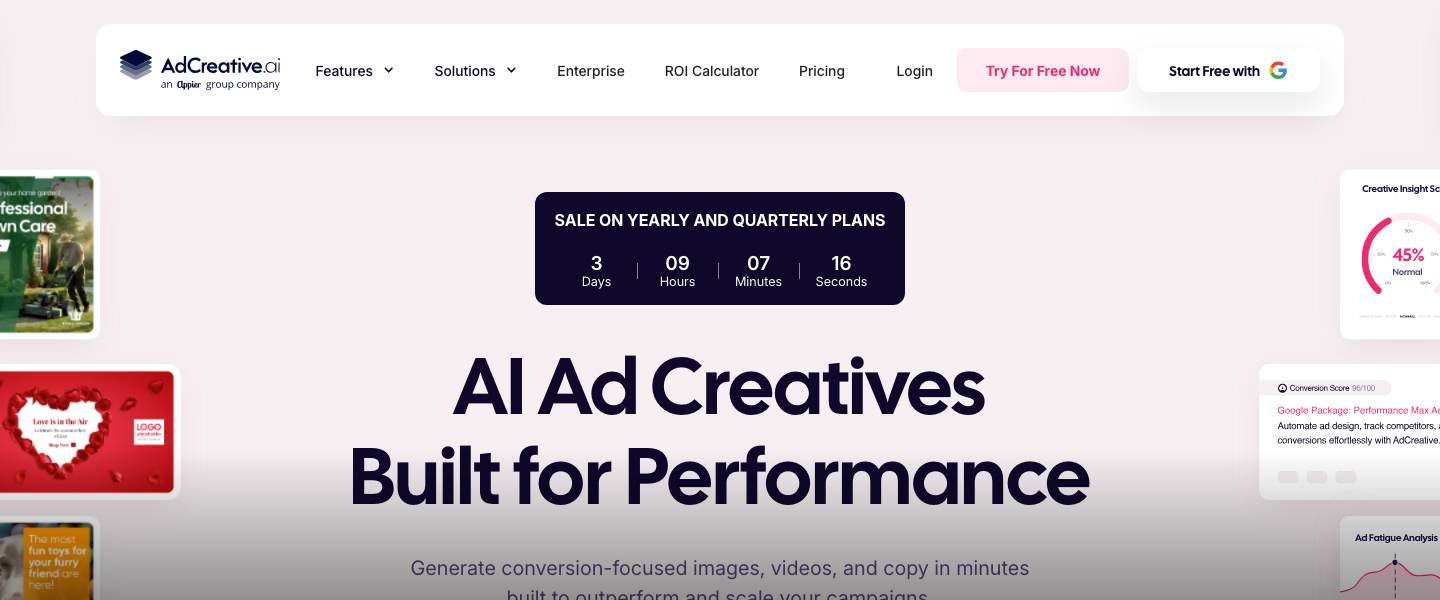
Creative fatigue is the number one killer of scaling campaigns. The antidote is volume. AdCreative.ai is purpose-built for this — it generates conversion-optimized ad creatives using a model trained on millions of high-performing ads. Start by connecting your brand kit (logos, colors, fonts) and uploading your top-performing product or hero images. Then use the platform's text and creative generation to produce 20-30 ad variations per product or offer.
Here's a prompt framework that works well inside AdCreative.ai: set your target audience (e.g., "women 25-44 interested in sustainable skincare"), select your ad format (Facebook Feed, Google Display, Instagram Story), and let the AI generate headlines and descriptions. For best results, feed it your top 3 existing ad headlines as reference copy, then ask it to generate 10 variations. The platform scores each creative with a predicted conversion score — focus your initial testing budget on creatives scored 80+ out of 100. At the $5K-$20K/month level, you should be testing 10-15 new creatives per week across both platforms.
Common Mistake: Don't just generate and launch blindly. Use AdCreative.ai's scoring as a filter, not a guarantee. Always launch creatives into a dedicated testing campaign with a small budget ($20-$50/day per creative) before moving winners into your scaling campaigns.
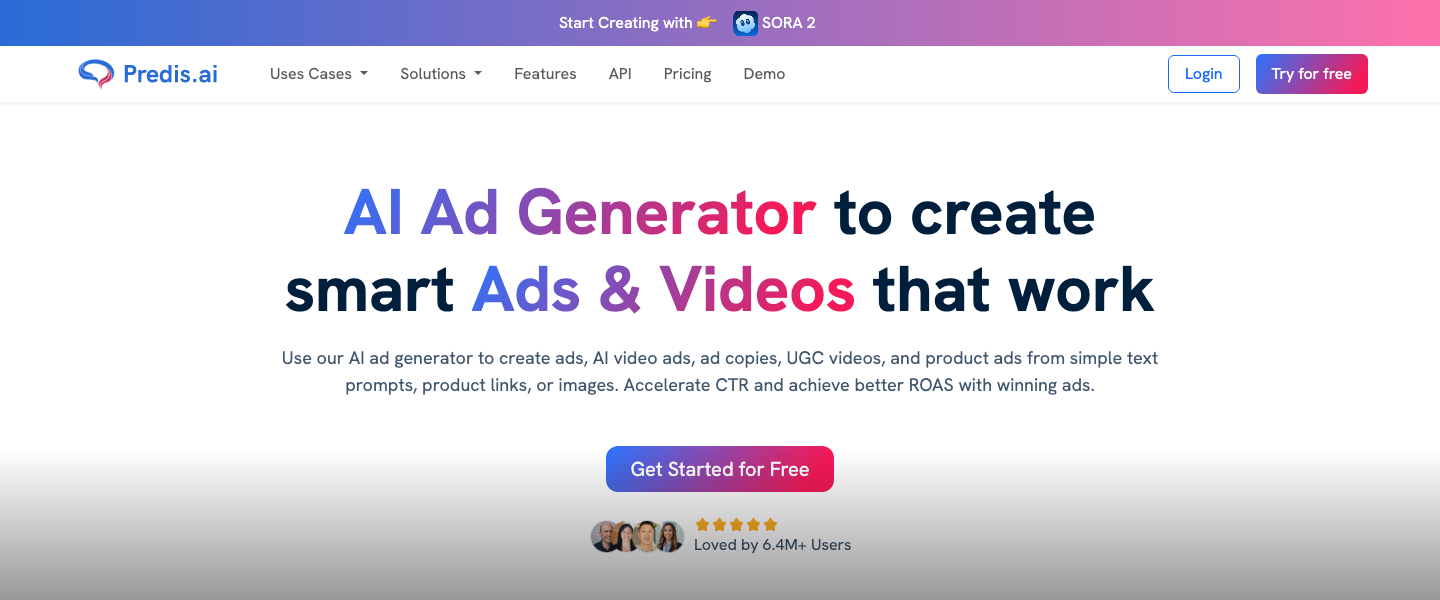
Predis.ai fills a critical gap that static creative generators miss: it creates video ads, carousels, and social-native content formats that perform exceptionally well on Facebook and Instagram. While AdCreative.ai excels at image-based display and feed ads, Predis.ai is your go-to for producing the short-form video creatives and animated carousel ads that currently dominate Facebook's algorithm in terms of engagement and lower CPMs.
Use Predis.ai to turn your existing blog posts, product descriptions, or customer testimonials into 15-second video ads. A high-performing prompt approach: paste in a customer review and select "Create Video Ad." The tool will generate a branded video with text overlays, transitions, and a call-to-action frame. For Google campaigns, use Predis.ai to create YouTube bumper ad concepts and responsive display ad variations. Aim to produce 5-8 video creatives and 5-8 carousel creatives per week. This gives you enough creative diversity to prevent fatigue across multiple ad sets targeting different audience segments.
Pro Tip: Video ads on Facebook typically deliver 20-30% lower CPMs than static images. Even simple animated text-on-image videos outperform statics. Use Predis.ai to convert your best-performing static creatives into animated versions — it's the fastest CPM arbitrage available right now.
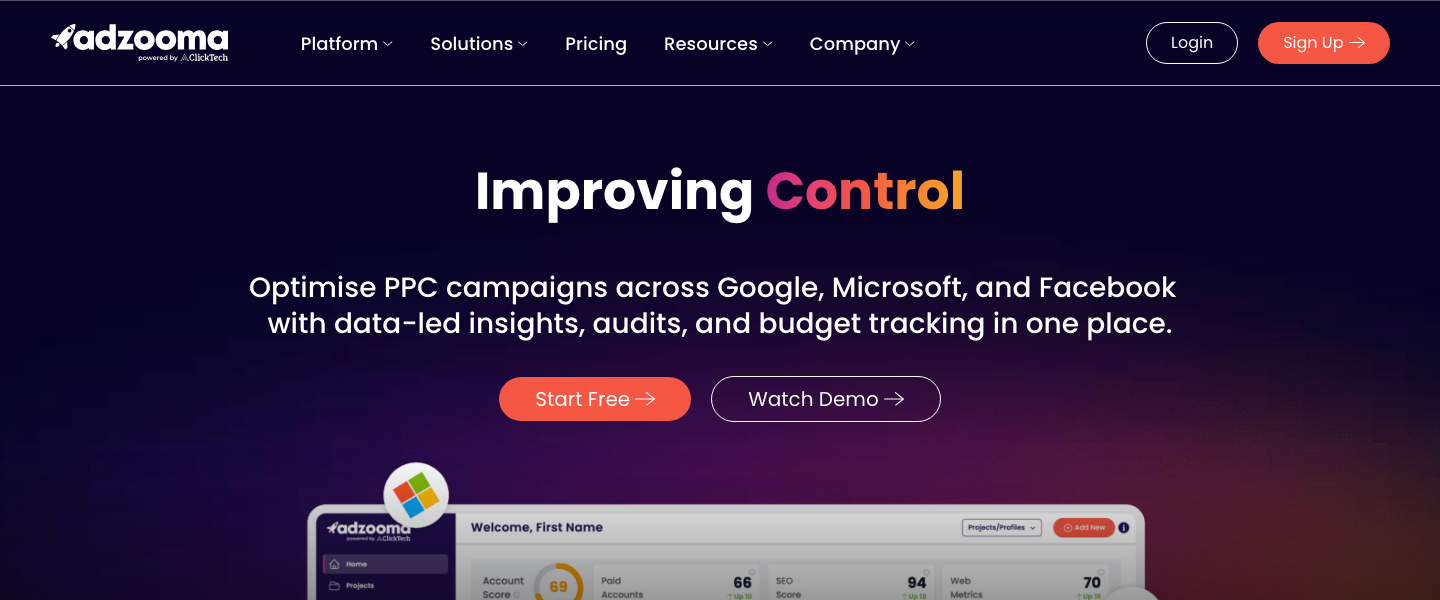
Once you have creative volume solved, the operational bottleneck shifts to campaign management. Adzooma connects to both your Facebook and Google Ads accounts and uses AI to surface optimization opportunities you'd otherwise miss. The platform analyzes your campaigns continuously and delivers prioritized action items — pause this underperforming keyword, increase budget on this ad set, adjust this bid strategy.
Set up Adzooma's automation rules to handle the repetitive optimizations: automatically pause any ad with a CTR below 0.8% after 1,000 impressions on Google, or any Facebook ad set with a frequency above 3.5 in a 7-day window. Use its "Opportunities" engine daily — it typically surfaces 15-30 actionable recommendations per account per week, each with an estimated impact score. At the $10K+/month spend level, implementing just the top 5 Adzooma recommendations weekly can reduce wasted spend by 10-20%. The platform also provides unified cross-platform reporting, which eliminates the hours you'd spend manually reconciling Facebook and Google data in spreadsheets.
Common Mistake: Don't accept every Adzooma recommendation automatically. The AI is excellent at identifying patterns, but it doesn't know your business context — seasonal promotions, inventory constraints, or strategic audience tests. Review recommendations daily and approve manually for the first 30 days until you understand the platform's tendencies for your specific account.
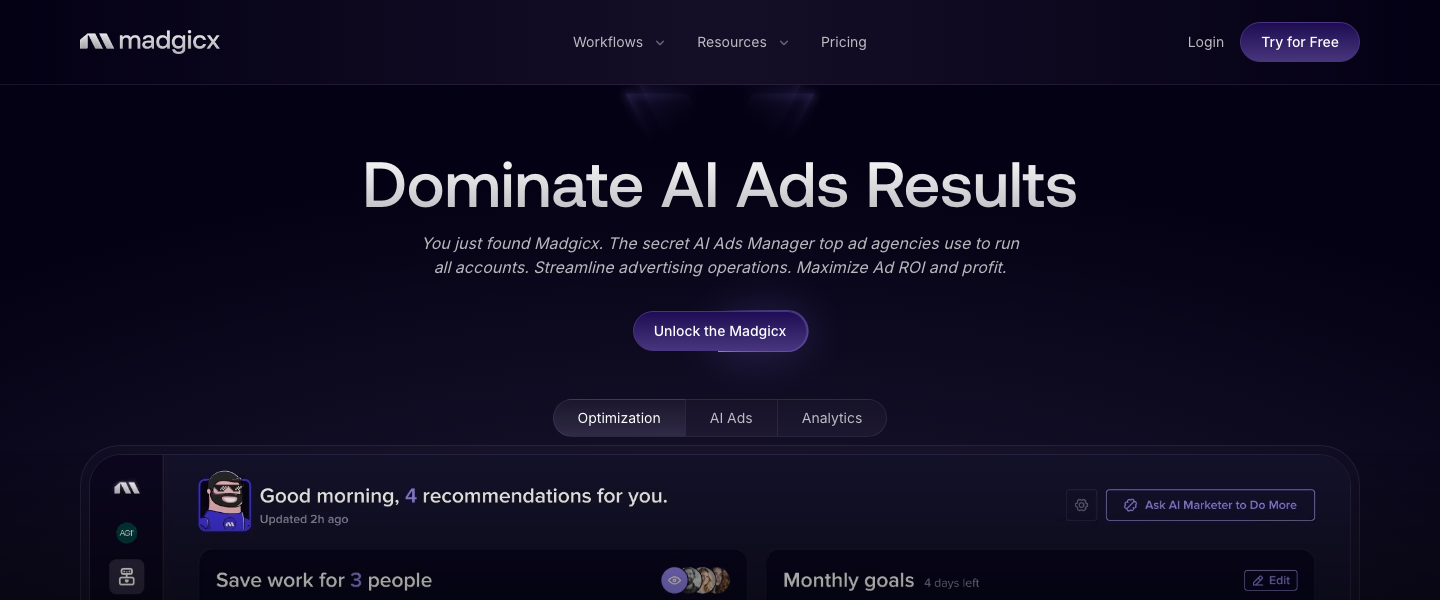
Madgicx is where your scaling strategy gets its intelligence layer. The platform specializes in Facebook and Instagram ads with AI-powered audience targeting that goes far beyond what you can build manually in Ads Manager. Madgicx's "AI Audiences" feature analyzes your conversion data and automatically creates audience clusters based on behavioral patterns — not just demographics or interests, but predictive models of who is most likely to convert at each stage of your funnel.
Start with Madgicx's audience launcher: it will generate prospecting, retargeting, and retention audience segments automatically. Then use its "Autonomous Budget Optimizer" (ABO) to shift budget between ad sets in real time based on performance. This is the tool that makes the difference between scaling from $10K to $50K/month and hitting a ceiling. Set your target CPA in Madgicx, and its AI will redistribute budget every 30 minutes to the highest-performing audience-creative combinations. For campaigns spending $500+/day, this real-time budget shifting typically improves ROAS by 15-30% compared to manual budget management.
Pro Tip: Use Madgicx's "Creative Insights" dashboard to identify which visual elements (colors, image types, copy length) perform best with each audience segment. Feed these insights back into AdCreative.ai and Predis.ai to create more targeted creative variations. This closed feedback loop is what separates amateur scaling from systematic growth.
Creative fatigue follows a predictable pattern tied to spend level and audience size. At $1K-$5K/month, your top creatives will last 2-3 weeks before CTR drops and CPM climbs. At $5K-$20K/month, expect 10-14 days of peak performance. At $20K+/month, you need fresh creatives every 7-10 days. Build a production calendar: every Monday, generate a new batch of 10 static creatives in AdCreative.ai and 5 video creatives in Predis.ai. Tuesday, launch them into testing campaigns. By Friday, identify the 2-3 winners based on CTR and CPA data, and promote them into scaling campaigns the following Monday.
Track frequency as your early warning signal. On Facebook, when ad set frequency crosses 2.5 for cold audiences or 5.0 for retargeting audiences in a 7-day window, it's time to rotate creatives. On Google Display, watch for impression share drops and CTR decline — these signal audience overlap and creative exhaustion. Adzooma's automation rules can flag these thresholds automatically so nothing slips through the cracks.
Pro Tip: Maintain a "creative library" of all tested ads with their performance data. When you're in a crunch, your second and third-best performing creatives from previous cycles often outperform entirely new concepts. Rotate them back in after a 3-4 week rest period — audiences forget faster than you think.
Here's the budget allocation framework that makes AI-powered scaling predictable. Allocate 70% of your total ad budget to "proven winners" — campaigns with established CPA targets running your best-performing creatives to validated audiences. This is your profit engine, managed and optimized by Adzooma's automation rules and Madgicx's budget optimizer. Allocate 20% to "testing" — new creatives from AdCreative.ai and Predis.ai, new audience segments from Madgicx's AI Audiences, new ad formats, and new platforms. This is your growth engine. Allocate 10% to "experiments" — entirely new angles, offers, or audience hypotheses that could unlock your next scaling breakthrough.
When increasing total budget, scale the 70% bucket first, using the 20% increase every 3-4 days rule from Step 1. Only increase your testing budget when your proven campaigns are stable. At $5K/month, this means $3,500 on winners, $1,000 on testing, and $500 on experiments. At $50K/month, it's $35,000/$10,000/$5,000. This framework prevents the common failure mode of scaling too aggressively into untested creative or audiences and watching CPA spike overnight.
Common Mistake: Scaling budget without scaling creative volume is like pouring gasoline on a shrinking fire. For every 2x increase in spend, you need roughly 1.5x more active creatives in rotation. Use the AI tools in this playbook to maintain that ratio, or your scaling efforts will stall within two weeks.
Not all metrics deserve equal attention, and the ones that matter shift as you scale. At $1K-$5K/month, obsess over CPA and CTR. These tell you if your creative and targeting fundamentals are sound. Benchmark CTR targets: 1.5%+ for Facebook Feed, 3%+ for Google Search, 0.5%+ for Google Display. At $5K-$20K/month, shift focus to ROAS by campaign and creative win rate (percentage of tested creatives that beat your CPA target). A healthy creative win rate is 20-30% — if fewer than 1 in 5 new creatives work, your creative strategy needs refinement. At $20K+/month, the critical metrics become blended ROAS across platforms, marginal CPA (is each additional dollar of spend delivering conversions at an acceptable cost?), and contribution margin after ad spend.
Build a weekly dashboard in Adzooma that tracks these metrics at the appropriate level for your current spend. Madgicx's attribution dashboard is particularly useful at the $20K+ level for understanding cross-platform performance and identifying where incremental budget produces the best marginal returns. Review this dashboard every Monday before making any scaling or creative decisions for the week.
Pro Tip: Track "creative velocity" — the number of new creatives you test per week divided by total ad spend. Healthy creative velocity is roughly 3-5 new creatives per $5K in weekly spend. If this ratio drops, your scaling will hit a wall within 2-3 weeks regardless of how much budget you add.
The best AI marketing tools, reviewed and rated by marketers who actually use them.