
How to Build LinkedIn Carousels with Claude Code
How to Build LinkedIn Carousels with Claude Code
Beginner
The old model of ad creative testing is broken. Your team spends two weeks designing five ad variations, launches them, waits another two weeks for data, picks a "winner" that barely outperforms the rest, and repeats. Meanwhile, your competitors are using AI to generate 200 variations in an afternoon, identify top performers within 72 hours, and scale spend behind proven creative before you've even finished your second round. The math is brutal: if your win rate on creative is 10%, you need to test 50 variations to find 5 winners. At the old pace, that takes six months. With AI, it takes a week.
This playbook gives you the exact system for generating high-volume ad creative with AI, running statistically valid tests without burning budget, and scaling winners across channels. This isn't about replacing your creative instincts — it's about giving those instincts 10x more shots on goal. We'll cover static ads, video ads, display automation, and AI-powered budget allocation using four best-in-class tools. If you're spending more than $10K/month on paid media and still testing fewer than 20 creative variations per cycle, you're leaving significant revenue on the table.
Before you touch any AI tool, you need a structured brief that the AI can riff on. Create a matrix with four dimensions: hooks (the first thing people see/read), value propositions (the core benefit), social proof elements (testimonials, stats, logos), and CTAs (the action you want). Aim for at least 5 entries per dimension. For example, if you're selling a project management SaaS, your hooks might be: "Still using spreadsheets?", "Your team wastes 5 hours/week on status updates", "The tool Stripe's ops team switched to", "Project management shouldn't feel like a second job", and "Ship 2x faster without hiring." This matrix gives you 5×5×5×5 = 625 theoretical combinations — far more than you'll test, but it ensures the AI has rich creative territory to explore.
Pro Tip: Don't skip this step and go straight to AI generation. The #1 mistake is feeding AI tools vague inputs like "make ads for our SaaS product." The quality of your matrix directly determines the quality of your output. Spend 60-90 minutes here — it will save you hours of discarding unusable creative later.
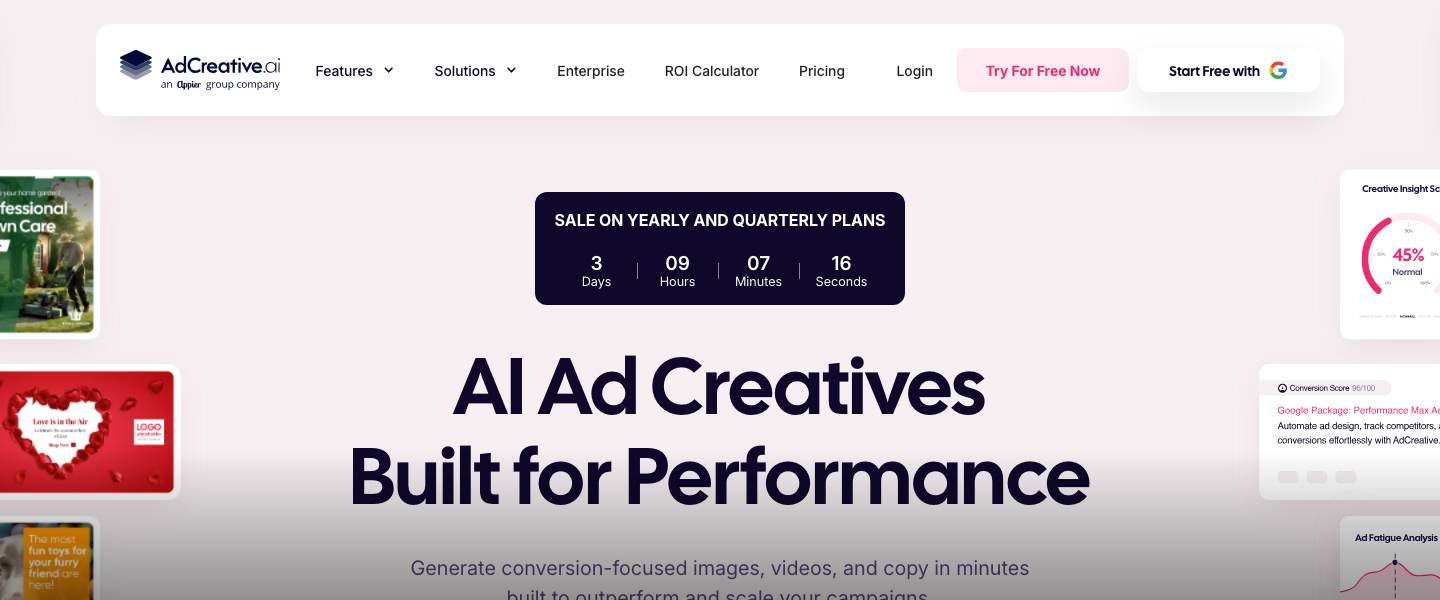
With your brief matrix in hand, open AdCreative.ai and set up your brand profile with logos, fonts, colors, and product images. Then use the platform's text and creative generation engine to produce variations systematically. Input your hooks and value propositions as headline/description combinations, and let the AI generate scored creative options. The platform's predictive scoring model rates each creative's likelihood of performing, which gives you an initial filter before you spend a dollar. Generate at least 100 static ad variations across formats (1080×1080 for feed, 1080×1920 for stories, 1200×628 for link ads).
Work in batches organized by your matrix dimensions. Batch 1: all 5 hooks × your top value prop. Batch 2: your winning hook concept × all 5 value props. This systematic approach means you're not just generating random creative — you're building a dataset that will tell you which dimensions matter most, not just which individual ads win. Export everything scored 80+ by AdCreative.ai's prediction engine as your initial test pool. You should end up with 40-60 viable static variations.
Common Mistake: Don't generate 100 variations of basically the same ad with different background colors. Vary the message and structure dramatically. You want some ads that are text-heavy, some image-dominant, some testimonial-focused, some benefit-focused. Diversity in creative structure is where breakthroughs hide.
Static ads are your workhorse, but video consistently delivers 20-30% lower CPAs on Meta and TikTok. The bottleneck has always been production cost and time. Pencil eliminates this by generating video ad variations from your existing assets — product images, logos, copy, and footage clips. Upload your assets and provide the same hooks and value propositions from your matrix. Pencil's AI will generate multiple video concepts with different structures: problem-solution, testimonial-style, product demo, and benefit-stack formats.
Target 30-50 video variations in 15-second and 30-second formats. Pencil's prediction engine, trained on billions of dollars in ad spend data, scores each variation and flags which elements (opening hook, pacing, CTA placement) are driving the score. Pay close attention to the first 3 seconds of each video — that's where 65% of your performance is determined. Request variations that test different opening frames: start with the problem, start with the result, start with a bold claim, start with a question. Export your top 20 scored videos for testing.
Pro Tip: Feed Pencil your competitor ads and top-performing organic content as inspiration references. The AI is remarkably good at extracting structural patterns from winning content and applying them to your brand. Use the prompt: "Generate variations inspired by fast-paced, text-overlay UGC style with strong problem-agitation-solution structure."
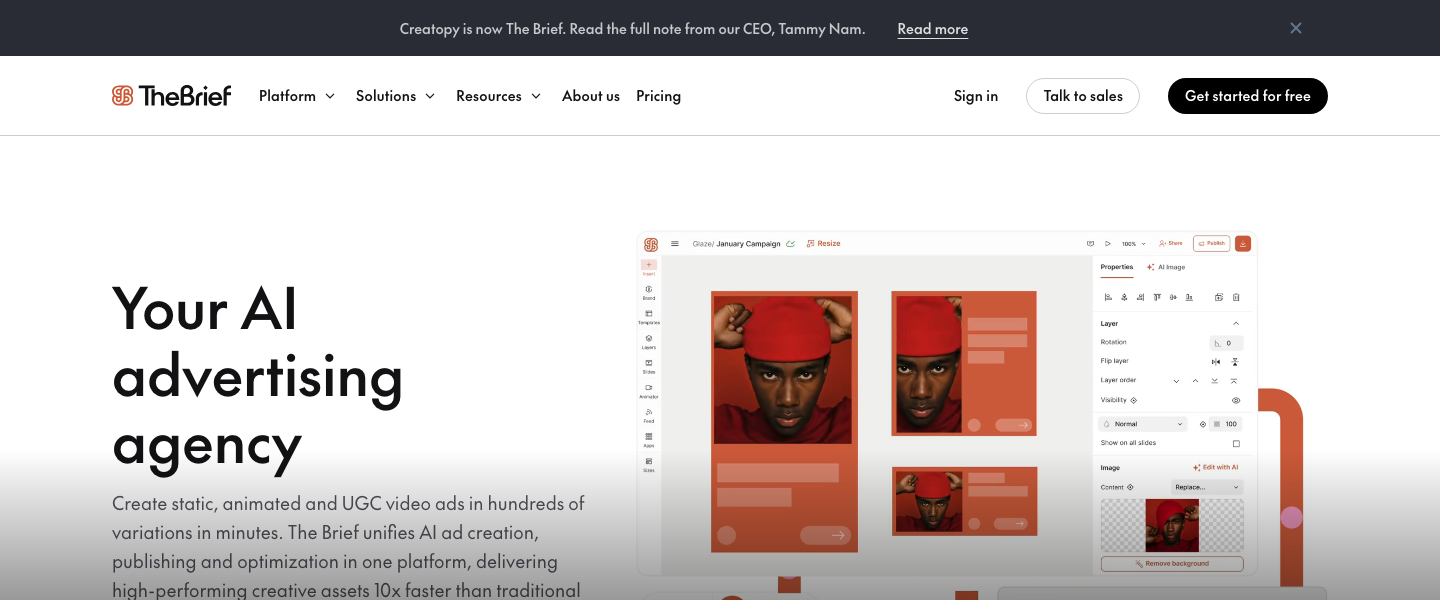
If you're running Google Display, programmatic, or multi-platform campaigns, you need creative in dozens of sizes and formats. Creatopy is purpose-built for this. Take your top 10-15 performing concepts from Steps 2 and 3, and use Creatopy's automated resizing and animation features to generate full creative sets across every display size (leaderboard, skyscraper, medium rectangle, billboard — typically 8-12 sizes per concept). Creatopy's batch generation and smart resize features mean you can produce 100+ display variations in under an hour.
Use Creatopy's animation tools to add subtle motion to your static winners — animated text reveals, product zoom effects, or CTA button pulses. Animated display ads typically see 15-30% higher CTR than static equivalents. Set up dynamic feeds in Creatopy if you're running e-commerce campaigns so product images, prices, and availability update automatically. Export organized by concept and size for clean campaign structure.
Pro Tip: Create a Creatopy template system for your top 3 performing ad structures. Once you identify a winning framework (e.g., "bold statistic headline + product image + single-color background + urgency CTA"), templatize it so future iterations take minutes, not hours.
Here's where most teams fail — they generate great creative but test it poorly. Use this exact framework: allocate $20-50 per ad variation per day for testing, depending on your CPA. You need each variation to reach statistical significance, which typically requires at least 300-500 impressions and 10-20 conversions (or the equivalent in your funnel metric). For a $50 CPA product at $30/day per variation, expect a 3-5 day testing window per batch. Test in batches of 10-15 variations at a time using a CBO (Campaign Budget Optimization) or ABO (Ad Set Budget Optimization) structure on Meta, depending on your scale.
Structure your tests as follows: Phase 1 (Hook Test) — same offer, different hooks across 10-15 variations. Run for 3-5 days. Kill everything below your target CPA threshold. Phase 2 (Format Test) — take winning hooks and test across static, video, carousel, and display. 3-5 days. Phase 3 (Audience Test) — take winning creative × format combinations and test across audience segments. This phased approach means you're isolating variables and building compounding knowledge, not testing everything at once and learning nothing.
Common Mistake: Don't kill ads too early. A variation needs at least 500 impressions and ideally 10+ conversions before you can make a statistically confident decision. Use a significance calculator (many are free online) and target a 90% confidence level minimum before declaring winners or losers. Premature optimization is the most expensive mistake in paid media.
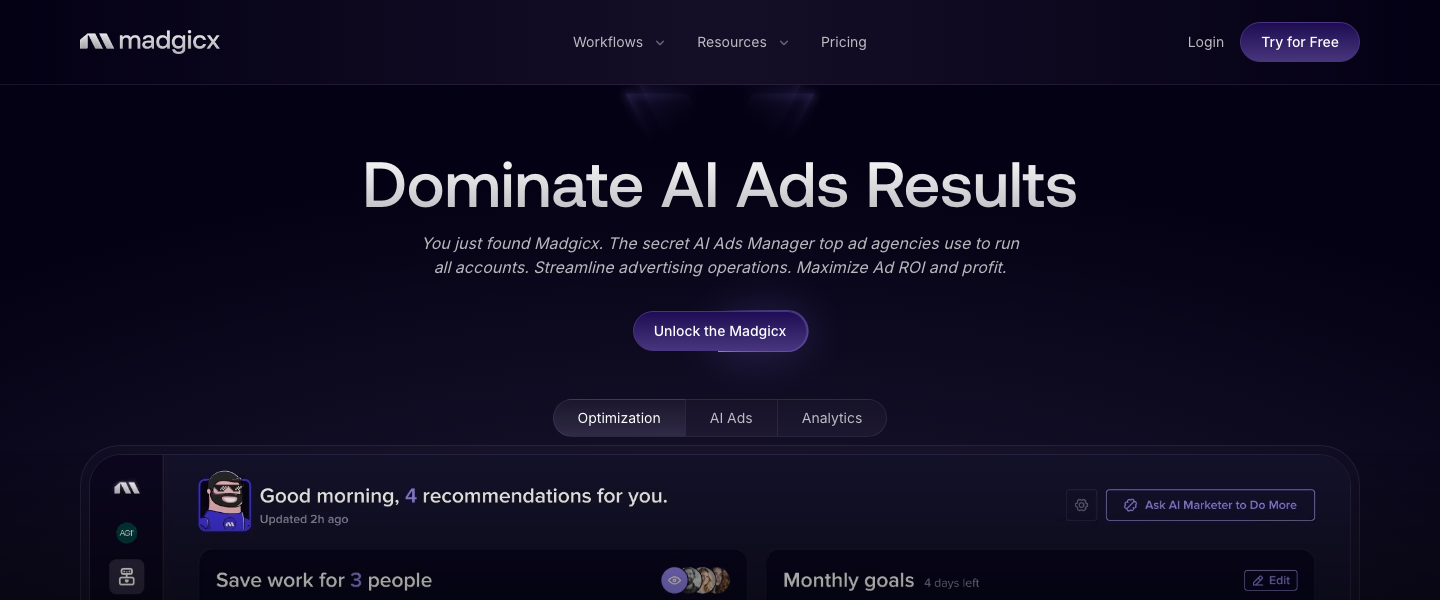
Once you've identified your top 5-10 creative winners, it's time to scale — and this is where Madgicx becomes indispensable. Madgicx uses AI to analyze your ad account data and identify audience segments you're underserving, creative fatigue patterns, and optimal budget allocation across campaigns. Connect your ad accounts and let Madgicx's AI Audiences feature generate targeting recommendations based on your historical performance data. The platform's Audience Launcher provides pre-built audience segments organized by funnel stage (prospecting, engagement, retargeting) that would take hours to build manually.
Use Madgicx's automated budget allocation to shift spend toward winning creative-audience combinations in near real-time. Set rules such as: "If CPA drops below $40, increase daily budget by 20% every 24 hours, capped at $500/day." Conversely: "If CPA exceeds $65 for 48 hours, reduce budget by 50%." This automation lets you scale winners aggressively while containing losses. Madgicx's creative insights dashboard will also flag when your winners start fatiguing (typically when frequency exceeds 2.5-3.0 on prospecting audiences), which triggers your next round of AI-generated creative.
Pro Tip: Set up Madgicx's automation rules before you launch scaled campaigns. Reactive manual optimization is always slower than pre-programmed AI rules. The difference between a 2-hour reaction time and a 24-hour reaction time at $500/day spend can mean $300-500 in wasted budget per underperforming ad set.
The real power of this system isn't any single test — it's the compounding intelligence you build over time. After each testing cycle, document your findings in a Creative Performance Database. Track: which hooks consistently outperform (problem-focused vs. benefit-focused vs. curiosity-driven), which formats win by placement (video dominates Stories, static wins in feed, animated display wins on GDN), which color palettes and visual styles correlate with lower CPAs, and which CTA language drives the highest conversion rates.
Feed these learnings back into your creative brief matrix from Step 1. After 3-4 cycles, you'll have a proprietary dataset of what works for your brand, your audience, on your channels. This is your unfair advantage — one that no competitor can copy because it's built on your specific performance data. Use AdCreative.ai's analytics and Pencil's creative intelligence features to accelerate this analysis. Aim to run a complete generate-test-scale cycle every 2 weeks, which means you'll test 200-300 unique creative concepts per quarter instead of the typical 20-30.
Pro Tip: Create a "Hall of Fame" folder of your all-time top 10 performing ads. Analyze them quarterly to identify structural patterns. Often, your best ads share 2-3 common elements that become your brand's creative DNA — a specific hook formula, a visual layout, or a proof point type. These patterns should become the foundation of every future generation prompt.
Creative fatigue is the silent killer of scaled ad accounts. Even your best-performing ads will decay — typically within 2-4 weeks at scale. Build a proactive refresh calendar: every two weeks, generate a new batch of 30-50 variations using AdCreative.ai and Pencil, seeded with your latest Creative Performance Database insights. Use Creatopy to rapidly produce format variations of new winners. Monitor frequency metrics in Madgicx and set automated alerts when any ad set exceeds a frequency of 3.0 on cold audiences or 5.0 on retargeting.
When refreshing, don't start from zero. Use what Pencil calls "creative iteration" — take your proven winners and make controlled variations. Change the hook but keep the winning structure. Swap the product image but keep the layout. Update the social proof stat but maintain the framework. This approach maintains performance continuity while introducing enough novelty to reset ad fatigue. Your goal is a perpetual testing machine where new creative enters the top of the funnel every two weeks while proven winners continue scaling until fatigue signals appear.
Common Mistake: Don't pause winning ads "just in case" they're fatiguing. Let the data decide. An ad that's still delivering below-target CPA at 2.8 frequency has life left in it. Only intervene when you see CPA trending upward over a 48-72 hour window alongside rising frequency. Premature ad rotation kills more revenue than fatigue does.
The best AI marketing tools, reviewed and rated by marketers who actually use them.