

How to Build LinkedIn Carousels with Claude Code
How to Build LinkedIn Carousels with Claude Code
Beginner
LinkedIn is the single highest-ROI organic channel for B2B marketers and founders, yet most professionals treat it like a resume board rather than a lead engine. The data is clear: LinkedIn posts with strong hooks generate 2-3x more impressions than average, and creators who post consistently (4-5x per week) see 5.6x more profile views than those who post once a week. Profile views convert to connection requests, connection requests convert to conversations, and conversations convert to pipeline. The problem? Maintaining that cadence while keeping quality high is brutally time-consuming.
This playbook solves that problem by building a full AI-powered content flywheel: from ideation to drafting, scheduling, performance analysis, and automated outreach to the people who engage with your content. You will use Taplio for AI-driven post generation and scheduling, AuthoredUp for crafting high-performance drafts and tracking analytics, and Dripify or Expandi to convert post engagement into automated lead-generation sequences. Follow these steps in order, and within 30 days you will have a repeatable system that generates inbound conversations on autopilot.
Before you touch any AI tool, you need strategic clarity. Define 3-5 content pillars — recurring themes that sit at the intersection of your expertise and your Ideal Customer Profile's pain points. For example, if you sell marketing automation software to mid-market SaaS companies, your pillars might be: (1) demand generation tactics, (2) marketing ops lessons learned, (3) contrarian takes on martech, (4) founder/leadership stories, and (5) data-driven case studies. Write a one-sentence description of each pillar and save it in a shared doc — you will feed these into every AI prompt going forward.
Next, build a crystal-clear ICP statement: job titles, company size, industry, and the specific problem you solve for them. Example: "VP of Marketing or Director of Demand Gen at B2B SaaS companies with 50-500 employees who are struggling to attribute pipeline to content efforts." This ICP will guide not only your content topics but also your outreach targeting in later steps.
Pro Tip: Limit yourself to 3-5 pillars, not 10. The algorithm rewards creators who are known for something specific. If every post feels random, LinkedIn suppresses your reach because it cannot categorize you for its topic-based feed.
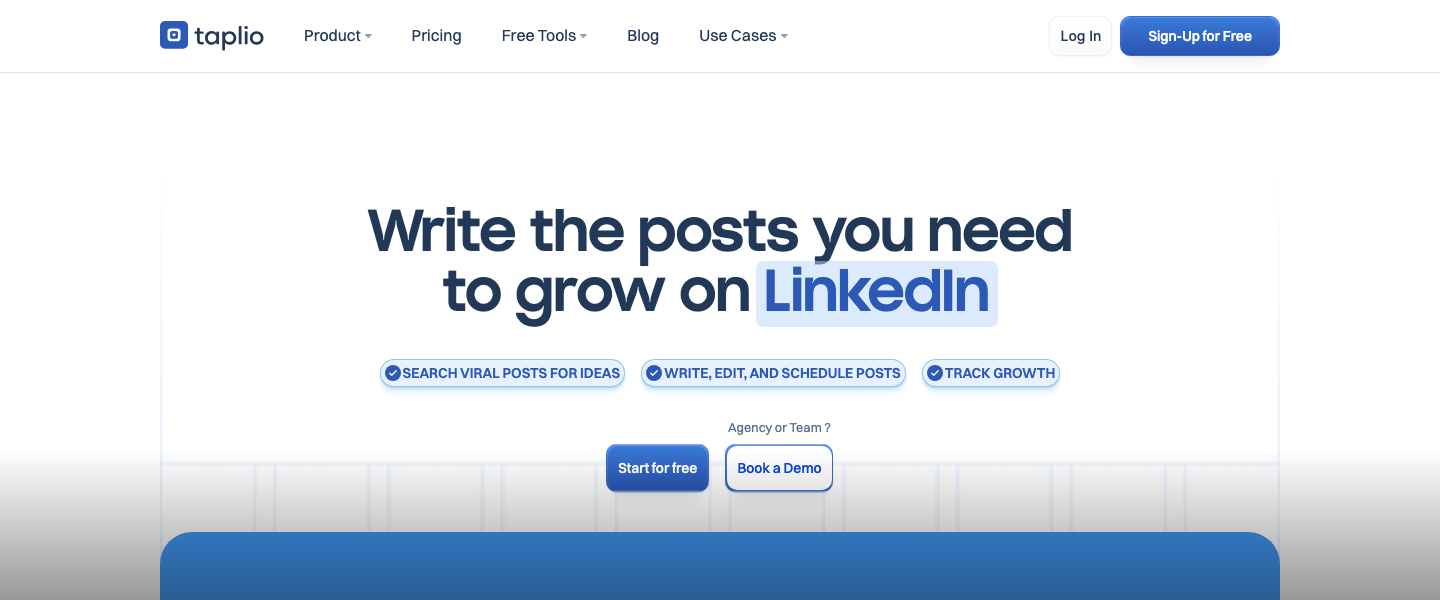
Open Taplio (https://taplio.com) and navigate to its AI post inspiration feature. Taplio's AI is specifically trained on high-performing LinkedIn content, which makes it dramatically better than generic ChatGPT for this use case. Use the "Get Inspired" feature to search for viral posts in your niche, then use the AI chat to generate variations anchored to your pillars. Here is a prompt template you can paste directly into Taplio's AI composer:
"Generate 10 LinkedIn post ideas for a [your role] targeting [ICP]. Focus on the theme of [content pillar]. Each idea should include a working title and a one-sentence hook. Mix formats: 3 storytelling posts, 3 listicle/tactical posts, 2 contrarian opinion posts, and 2 data-driven posts."
Run this prompt once per pillar and you will have 30-50 ideas in under an hour. Organize them in Taplio's built-in content calendar, assigning one post per weekday. Aim for a minimum posting cadence of 4 posts per week — this is the threshold where LinkedIn's algorithm begins to meaningfully boost your distribution.
Common Mistake: Do not let the AI generate complete posts at this stage. You want ideas and hooks only. Full drafts come in the next step where you have more formatting control. Generating everything at once leads to generic, forgettable content.
Now take your top post ideas and draft them inside AuthoredUp (https://authoredup.com). AuthoredUp gives you a rich-text LinkedIn editor with real-time formatting preview — you can see exactly how your post will render on desktop and mobile, including line breaks, emojis, and whitespace. This matters because LinkedIn truncates posts after approximately 210 characters on mobile; everything after that is hidden behind "...see more." Your hook must land in those first 210 characters or your post dies.
Use this hook framework for every post: Pattern Interrupt + Promise + Curiosity Gap. Example: "I spent $47,000 on LinkedIn Ads last quarter. Here is what I would do differently with that budget today (and it does not involve ads)." The pattern interrupt is the specific dollar amount, the promise is the lesson learned, and the curiosity gap is the parenthetical. AuthoredUp's snippet library lets you save your best-performing hooks as reusable templates, so you build a personal swipe file over time.
For post body structure, follow the 1-1-1 rule: one idea, one story or data point, one call to action. Use single-sentence paragraphs with line breaks between them for maximum readability. AuthoredUp's readability score will flag posts that are too dense. Aim for a readability score above 70. End every post with a question or a soft CTA like "What is your experience with this? Drop it below." — comments are the number one signal LinkedIn uses to boost distribution.
Pro Tip: AuthoredUp's analytics dashboard shows you which post formats, lengths, and topics drive the most engagement on your specific profile. After 2-3 weeks of posting, review this data to double down on what works. Most creators find that posts between 800-1,200 characters with a personal story outperform everything else.
Return to Taplio and use its scheduling feature to queue your drafted posts. Taplio allows you to set optimal posting times based on when your audience is most active. As a starting benchmark, B2B LinkedIn content performs best when published between 7:30-8:30 AM in your ICP's primary timezone on Tuesday through Thursday. Monday mornings and Friday afternoons consistently underperform.
Schedule at least two weeks of content in advance so you are never scrambling for ideas day-of. Taplio's queue feature lets you set a recurring schedule (e.g., every Tuesday and Thursday at 8:00 AM) and simply drag posts into slots. The psychological benefit of batching is enormous — it frees your daily energy for engagement and outreach rather than creation.
Common Mistake: Do not schedule a post and walk away. The first 60-90 minutes after publishing are critical. LinkedIn's algorithm tests your post with a small audience segment; if engagement velocity is high in that window, it pushes the post to a larger cohort. Be online and actively responding to every comment within that first 90 minutes. Set a calendar reminder for each scheduled post.
Content creation is only 50% of the LinkedIn growth equation. The other 50% is strategic engagement on other people's posts. Spend 15-20 minutes per day — ideally before and after your own post goes live — leaving thoughtful, substantive comments on posts from people in your ICP and from larger creators in your niche. Taplio has a built-in CRM and engagement feed that surfaces posts from people you want to stay visible to, making this process efficient rather than aimless scrolling.
Your comments should add value, not just agree. A strong comment framework: "I agree with [specific point], and I would add [your unique insight or experience]. For example, [brief anecdote or data point]." Comments like these get likes from the original poster and their audience, driving profile visits back to you. Track the number of profile views you receive weekly — a healthy content flywheel should drive 300-500+ profile views per week for a mid-sized network (2,000-10,000 connections).
Pro Tip: Identify 15-20 accounts that share your ICP audience but are not direct competitors. Turn on notifications for their posts. Being one of the first commenters on a high-reach post can generate 50-100 profile visits in a single day. This is free, compounding exposure.
Here is where the flywheel becomes a pipeline machine. Every person who likes, comments on, or shares your LinkedIn post is giving you a buying signal — they have self-selected as interested in your topic. Your job is to capture these people systematically. Each week, review the engagement on your top-performing posts and export the list of people who interacted. Taplio lets you view and filter post engagers directly within its dashboard, and you can tag them for follow-up.
Segment your engagers into three tiers: Tier 1 — matches your ICP exactly (right title, right company size, right industry). Tier 2 — adjacent to your ICP (right title but wrong company size, or right company but wrong title). Tier 3 — everyone else. You will only run automated outreach to Tier 1 and Tier 2. This segmentation is critical for maintaining high acceptance rates and avoiding LinkedIn's spam filters.
Pro Tip: LinkedIn's native analytics only show you aggregate engagement data. Tools like Taplio and AuthoredUp give you post-level engager lists, which is the data you actually need for outreach. Do not skip this step — it is the bridge between content and revenue.
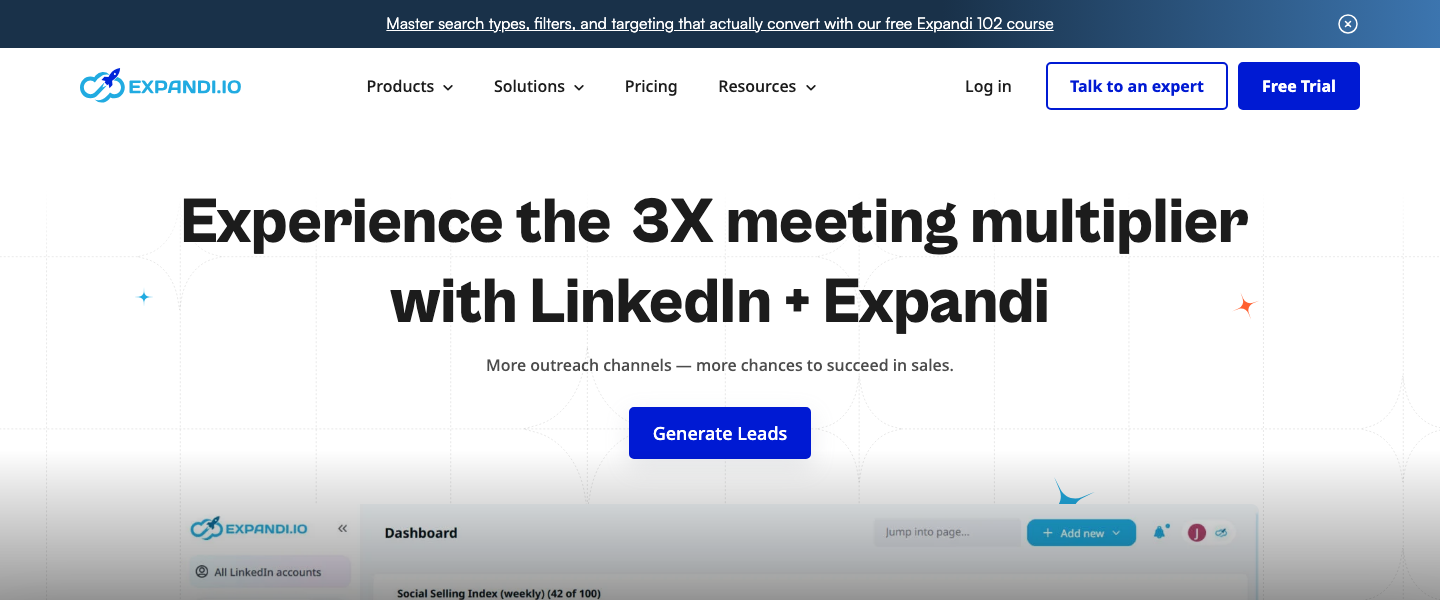
Take your Tier 1 and Tier 2 engagement lists and import them into Dripify (https://dripify.io) or Expandi (https://expandi.io). Both tools automate LinkedIn connection requests and follow-up DM sequences while staying within LinkedIn's daily activity limits to protect your account. Dripify is the easier option with a cleaner UI for teams new to LinkedIn automation; Expandi offers more advanced features like smart sequencing, A/B testing, and webhook integrations for teams that want granular control.
Build a 3-step outreach sequence: Step 1 (Connection Request): A short, personalized note referencing their engagement. Example: "Hey [First Name], saw your comment on my post about attribution challenges — great point about multi-touch models. Would love to connect and exchange ideas." Keep it under 300 characters. Step 2 (Follow-Up DM, Day 2 after acceptance): Share a relevant resource — a case study, a free tool, or a specific insight. Do not pitch. Step 3 (Soft CTA DM, Day 5): Ask a question that qualifies them. Example: "Out of curiosity, how is your team currently handling [specific problem your product solves]? I have been researching this for a piece I am writing and would love your perspective."
Set daily limits conservatively: 20-25 connection requests and 40-50 DMs per day in Dripify or Expandi. Higher than that and you risk LinkedIn restrictions. Track your acceptance rate (target: 40-60%) and reply rate (target: 15-25%). If your acceptance rate drops below 30%, your messaging is too generic or your targeting is off — revisit your ICP segmentation.
Common Mistake: Never pitch in the connection request. The fastest way to kill your acceptance rate is to send a connection note that reads like a sales email. Your post engagement already warmed up the relationship — the connection request should feel like a natural extension of a conversation, not a cold outreach attempt.
Every Friday, run a 15-minute performance review. Use AuthoredUp's analytics to pull your weekly content metrics: impressions per post, engagement rate (target: 2-5% for mid-sized accounts), top-performing post format, and follower growth. Use Dripify or Expandi's built-in dashboards to pull outreach metrics: connection requests sent, acceptance rate, reply rate, and conversations started. Map these together in a simple spreadsheet to see the full funnel: Impressions → Engagements → Profile Views → Connections → Conversations → Qualified Leads.
After 30 days, you will have enough data to identify your content-to-lead conversion rate. A well-run LinkedIn flywheel generates roughly 1 qualified conversation per 1,000 impressions as a benchmark. If you are below that, diagnose where the drop-off occurs. Low impressions? Your hooks need work. High impressions but low engagement? Your content is not resonating — test different formats. High engagement but low reply rate on outreach? Your DM sequence needs a stronger value proposition or better targeting. This diagnostic loop is what separates a one-off content effort from a scalable growth engine.
Pro Tip: Every month, take your top 3 performing posts and create variations of them — a different angle on the same topic, an updated data point, or a follow-up story. LinkedIn's algorithm does not penalize you for revisiting themes. Your best content topics deserve 5-10 posts, not just one.
The best AI marketing tools, reviewed and rated by marketers who actually use them.