
How to Build LinkedIn Carousels with Claude Code
How to Build LinkedIn Carousels with Claude Code
Beginner
Video content generates 1200% more shares than text and image content combined, yet most marketing teams stall at the same bottleneck: production. Hiring talent, booking studios, editing footage — it's expensive and slow. AI has collapsed this entire pipeline. In 2024, a single marketer with the right stack can produce dozens of professional videos per week, without a camera, a mic, or a single hour in post-production.
This playbook walks you through the exact end-to-end workflow: writing scripts with AI, generating talking-head videos without filming, repurposing long-form content into short clips, transforming blog posts into video, creating scroll-stopping social ads, and distributing everything strategically across YouTube, LinkedIn, TikTok, and Instagram Reels. Follow these seven steps and you'll have a repeatable system that turns ideas into distributed video assets in hours, not weeks.
Every great video starts with a script, and AI makes this the fastest part of your workflow. Use ChatGPT or Claude with a structured prompt that specifies your audience, goal, tone, and desired length. The key is to think in video structure, not essay structure: hook (first 3 seconds), problem, agitation, solution, call to action.
Here's a sample prompt you can adapt: "Write a 90-second video script for a B2B SaaS audience. Topic: why manual reporting is killing productivity. Tone: confident and conversational, not corporate. Structure: open with a surprising stat as the hook, describe the pain of manual reporting in 2-3 sentences, introduce automated dashboards as the solution, end with a CTA to book a demo. Include visual direction notes in brackets." This prompt forces the AI to output something you can immediately feed into a video generation tool. Always request visual cues — they'll save you time in the next step.
Pro Tip: Write scripts at a 7th-grade reading level. Video scripts that sound natural when spoken aloud perform 38% better in retention metrics than scripts written in formal prose. Read your AI-generated script out loud before moving on — if you stumble, simplify.
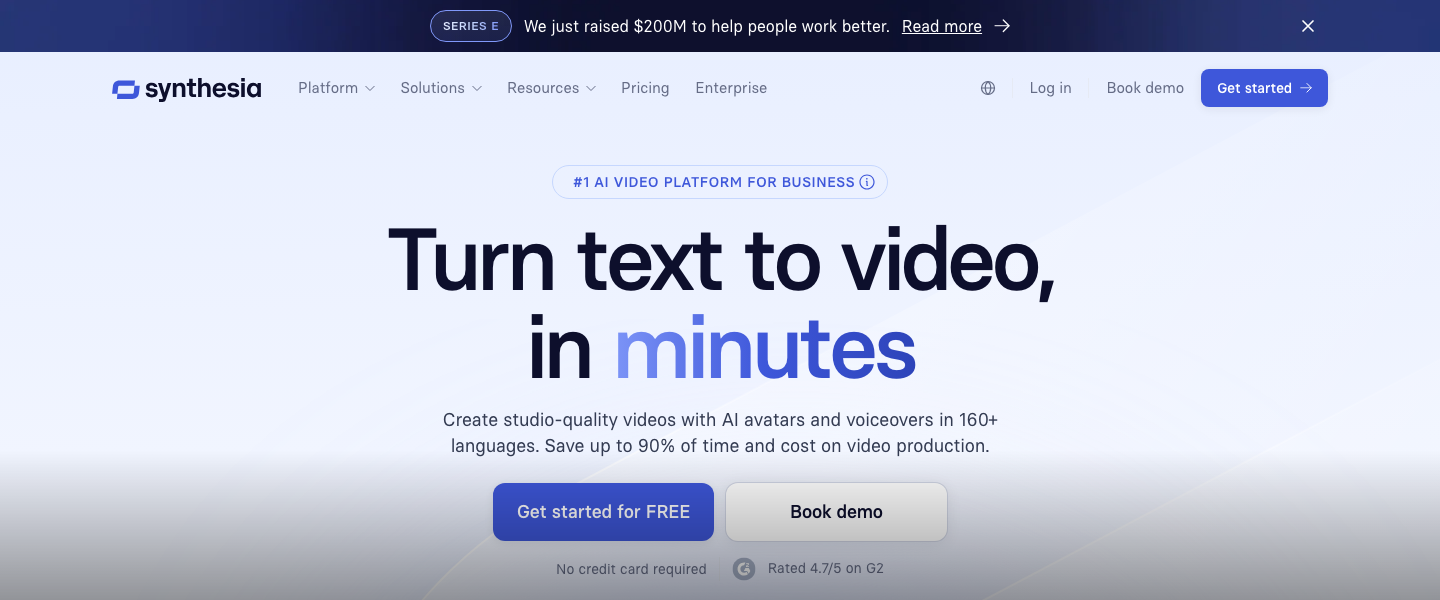
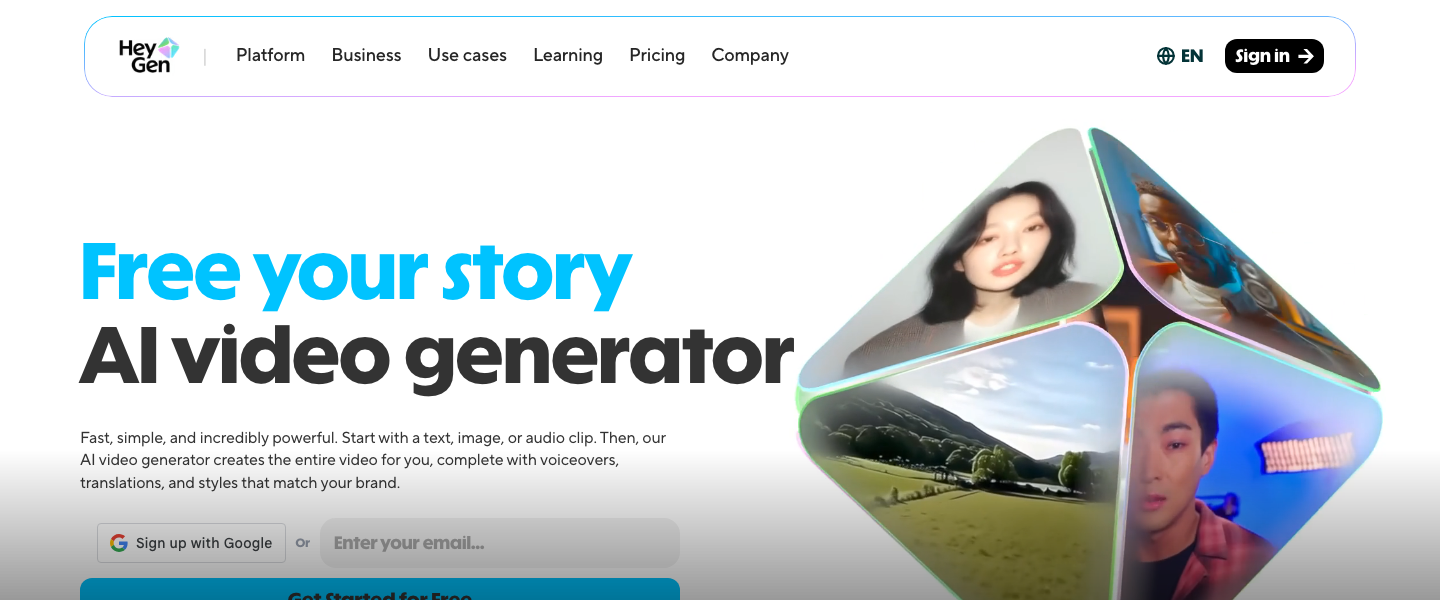
This is where the magic happens. Synthesia and HeyGen let you create realistic AI avatar videos by simply pasting your script. No camera, no lighting, no teleprompter. Choose an avatar, select a language, paste your script, and render. Both platforms support 100+ languages, making them ideal for global campaigns.
Synthesia is the stronger choice for corporate training, product explainers, and internal communications — its avatars feel polished and professional, and it offers branded video templates with logo placement and custom backgrounds. HeyGen excels at marketing-forward content: it offers more expressive avatars, voice cloning (you can train it on your own voice), and a photo-to-avatar feature that lets you create a digital twin of your CEO or spokesperson. For a product launch video, use HeyGen's custom avatar with your brand spokesperson's likeness. For a weekly educational series, Synthesia's template system will save you hours.
Common Mistake: Don't use a single avatar for everything. Audiences experience "avatar fatigue" just like ad fatigue. Rotate 2-3 avatars across your content calendar, and mix avatar videos with other formats (screen recordings, text-on-screen) to keep engagement high.
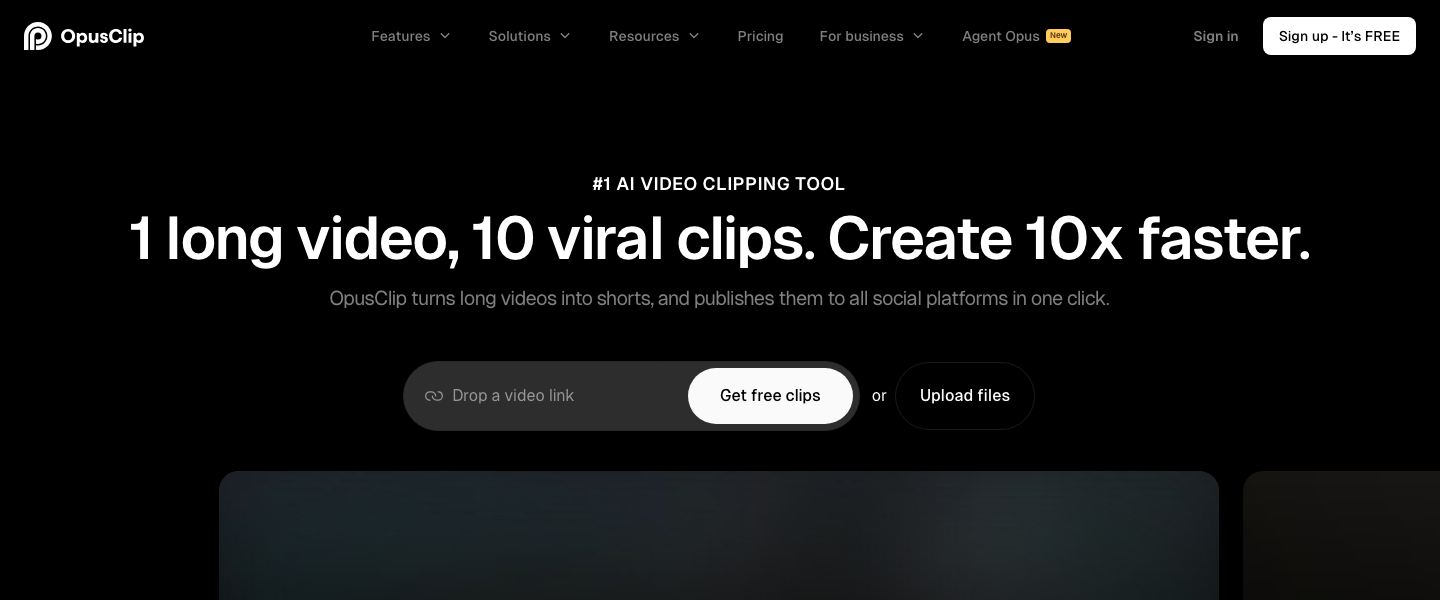
If you're producing webinars, podcasts, demo recordings, or any video over 5 minutes, you're sitting on a goldmine of short-form content. Opus Clip uses AI to analyze your long-form video, identify the most compelling moments based on speech patterns and engagement signals, and automatically cut them into short clips with captions, reframing, and aspect ratio adjustments.
Upload a 30-minute webinar to Opus Clip and it will generate 10-15 short clips ranked by a "virality score." Focus on clips scoring above 70. Each clip gets auto-captioned (critical — 85% of social video is watched on mute) and reformatted for vertical (9:16) or square (1:1) output. The real efficiency gain: one long-form asset can feed your entire short-form content calendar for a week. Aim to produce one long-form piece per week and extract 8-12 clips from it.
Pro Tip: Before uploading to Opus Clip, add chapter markers or timestamps to your long-form video. This gives the AI better context for where topic shifts happen, resulting in cleaner, more coherent clips that don't start or end mid-thought.
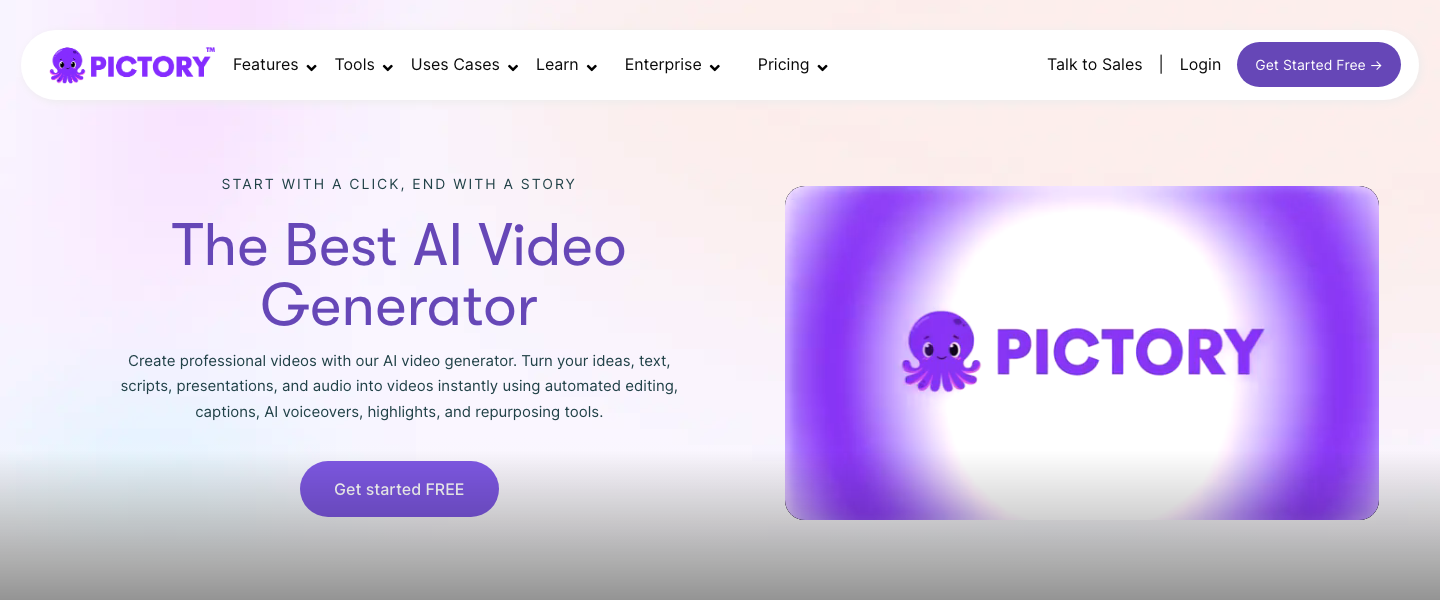
Your existing content library is an untapped video factory. Pictory is purpose-built for this workflow: paste a blog URL or article text, and Pictory's AI will extract key points, match them with relevant stock footage, add text overlays, background music, and generate a complete video in minutes. It's ideal for turning SEO-performing blog posts into video versions that can rank on YouTube and drive additional traffic.
Start with your top 10 blog posts by organic traffic. Paste each into Pictory and select the "Article to Video" workflow. Choose a brand template (upload your fonts, colors, and logo once), and Pictory will produce a 2-4 minute video summarizing the post. These work exceptionally well as YouTube videos (embed them back in the blog post for SEO boost) and as LinkedIn native videos. Pictory also offers a "Visuals to Video" mode for turning scripts into videos with stock footage — a great fallback when an avatar video isn't the right fit.
Common Mistake: Don't just let Pictory auto-select all the stock footage. Spend 5-10 minutes per video swapping in more relevant or brand-aligned visuals. The AI gets it 70% right; your curation gets it to 95%.
Paid social demands a different format than organic — faster hooks, bolder text, clearer CTAs, and platform-native aesthetics. InVideo is the best tool in this stack for ad creation. It offers 5,000+ templates specifically designed for social ad formats, an AI-powered editor that auto-generates video ads from a text prompt, and easy A/B variant creation so you can test multiple hooks.
Use this workflow: write 3 different hooks for the same product or offer (e.g., stat-based hook, question-based hook, bold claim hook). Feed each into InVideo's AI video generator with the prompt: "Create a 15-second Instagram Reels ad for [product]. Hook: [your hook]. Show the product in use. End with CTA: Shop now + 20% off with code LAUNCH. Style: fast-paced, trendy, bold text overlays." InVideo will generate three ad variants in minutes. Export all three and split-test them with $10-20/day budgets to find your winner before scaling.
Pro Tip: The highest-performing video ads in 2024 are under 15 seconds for Instagram and TikTok, and under 30 seconds for LinkedIn. InVideo lets you set a target duration — use it. Every second over your target is a second where someone scrolls away.
One video does not fit all platforms. This is where most marketers waste their AI-generated content — they export once and post everywhere. Each platform has distinct format preferences that directly impact reach and engagement. Here's your cheat sheet:
Pro Tip: Build a simple export checklist in a spreadsheet: for each source video, track which platform versions were created, their aspect ratios, durations, caption status, and publish dates. This prevents duplicate posts and ensures you're covering all channels.
Distribution is not "post and pray." Build a repeatable publishing cadence: upload long-form to YouTube on the same day each week (consistency trains the algorithm), post 2-3 short clips to TikTok and Reels across the week, share one polished video on LinkedIn mid-week (Tuesday through Thursday between 8-10 AM in your audience's timezone sees highest engagement), and run your ad variants continuously.
Track these metrics religiously: Average View Duration (YouTube — aim for 50%+ retention), Watch-Through Rate (LinkedIn — target above 25%), Completion Rate (Reels and TikTok — above 40% signals strong content), and Click-Through Rate on ads (above 1.5% is healthy for video ads). Use Opus Clip's virality scores as a leading indicator — if a clip scores 80+ but underperforms, the issue is distribution timing or targeting, not content quality. Review performance weekly, double down on formats and topics that hit your benchmarks, and retire what doesn't.
Common Mistake: Don't abandon a video strategy after two weeks of mediocre results. Platform algorithms need 30-60 days of consistent posting to properly categorize and distribute your content. Commit to 8 weeks minimum before evaluating whether the strategy is working.
The best AI marketing tools, reviewed and rated by marketers who actually use them.